![Dark Dragon ][ New Era](https://www.darkdragon.club/wp-content/uploads/2024/09/dark-dragon.png)
To ensure seamless gameplay, please adhere to all four essential steps.
We switched to a newer game client.
Currently you can get the latest game client to play on our NEW ERA server just by downloading from a single source.
Below is the link to the portal. The new game client is 25GB out of the box, so make sure you have plenty of space on your HDD…
STEP 1 – DOWNLOAD GAME CLIENT
Download game client from
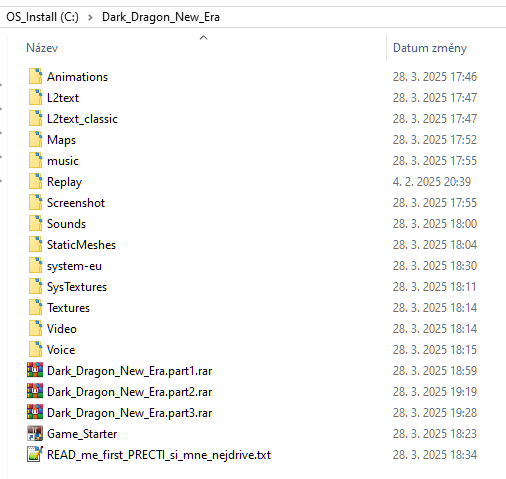
Dark Dragon New Era game client after download, unpack both archives to game folder like screen bellow.
STEP 2 –
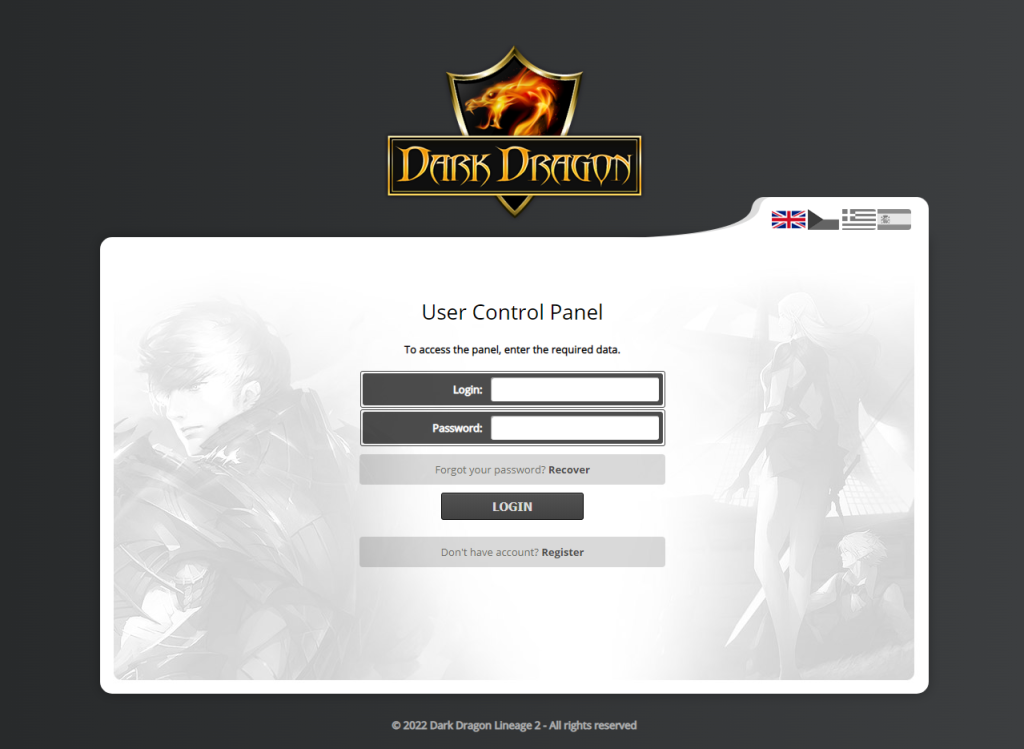
CREATE GAME
ACCOUNT
FAQ
CAN’T CONNECT ?
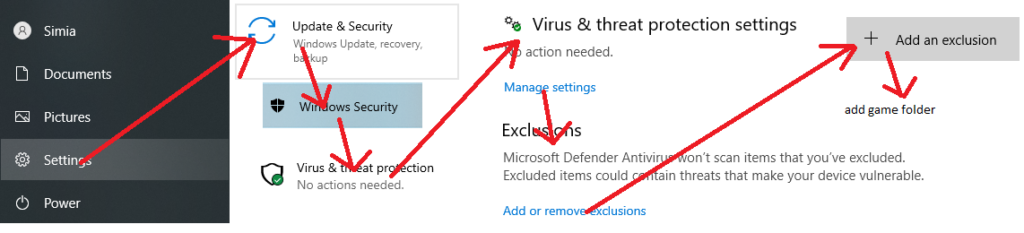
Try add exception to firewall/antivirus for .exe files!
more see at Microsoft Support -> click here to get more info
CAN’T LOGIN ?
Try login via account manager at website, check
CAN’T CONNECT ?
If you are using Windows 8 and higher, then try to set “l2.exe” to Windows 7 compatibility mode.
CAN’T CONNECT ?
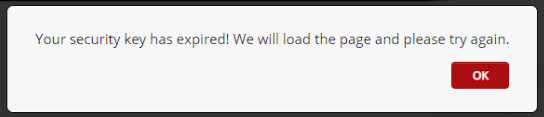
If you get this message when creating a game account, clear your browser cache / cookies, or use a different browser.